Who I am
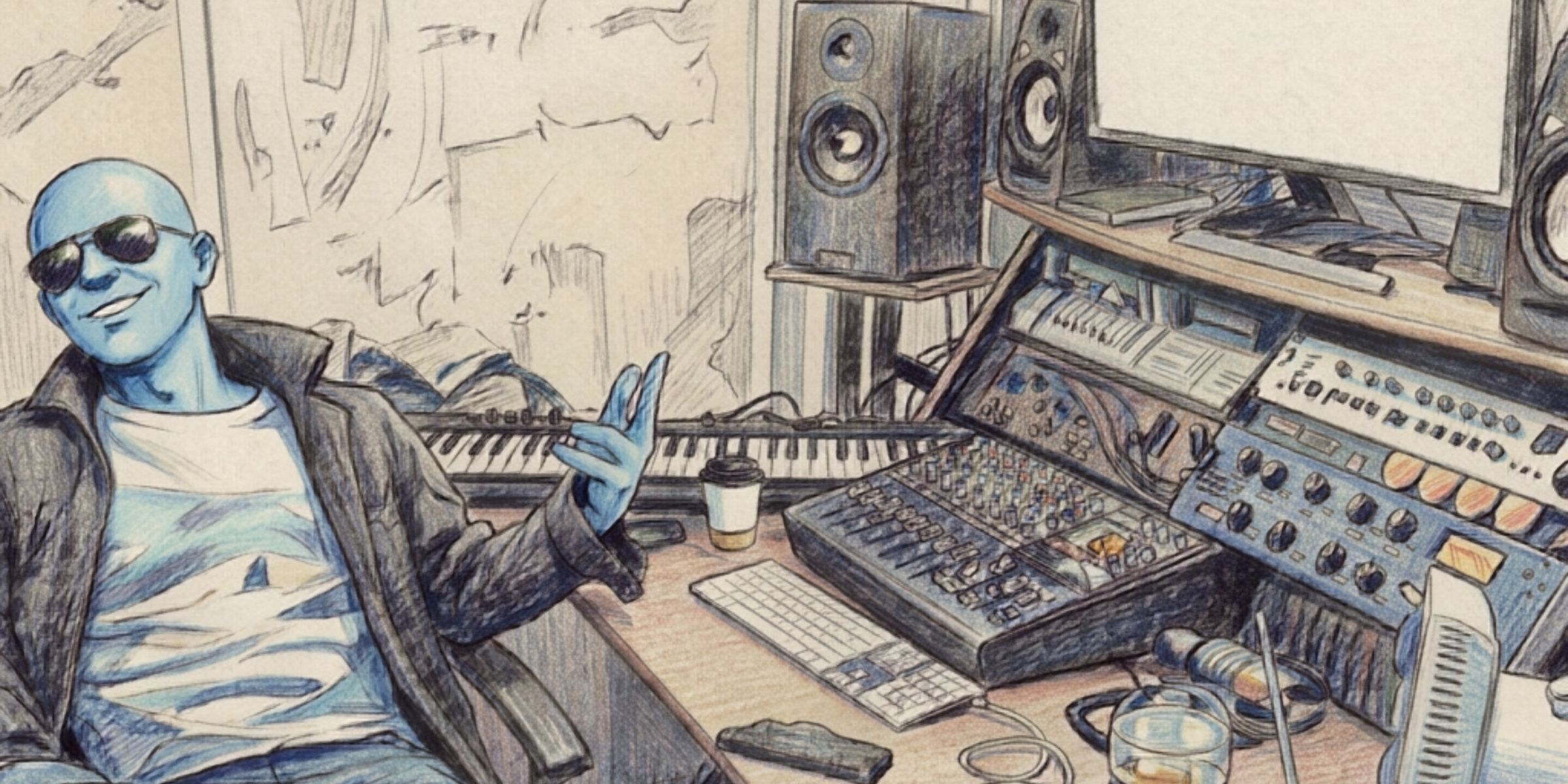
I spent my younger years touring Europe, first as a drummer, then as a synth player and singer, before moving behind the desk. Being on the artist's side for so long means I know how it feels to hand your song over to someone else.
Since then I've produced and mixed for artists with more than 100 million Spotify streams between them, been trusted by Universal, Sony and Warner Chappell, and worked with Bastille and The Beach, plus a few small bits for The 1975. These days I run MixGenie, which mixes songs, and SongGenie, which produces them with real musicians.
Why I built it
My studio computer is a 2015 iMac. It's still a lovely machine, it still runs Logic, and I didn't fancy spending a fortune replacing something that mostly works.
The trouble was everything running alongside Logic. Halfway through a session the whole machine would bog down, and Activity Monitor would show me whatever happened to spike that second instead of the app that had been hogging the processor for the last ten minutes.
So I built a tool that shows the last few minutes instead of the last second, then taught it to push the worst offenders to the back of the queue. I've used it on every session since.
Why it's careful with audio
Early on, two apps I use every day crackled when CPU Manager pushed them back, because they were holding live audio at the time. That's why CPU Manager now checks which apps have a live audio stream open and tries to leave them alone, and why the parts of macOS that handle audio stay off limits permanently. It doesn't catch everything yet, and video calls are the main thing it misses, so mark those Never throttle before you start.
I mix for a living, so a tool that caused clicks would be worse than useless to me. If it ever causes one for you, tell me and I'll fix it.
Mitzy, the studio cat, supervised all of this but accepts no responsibility for any of it, unless you have treats…